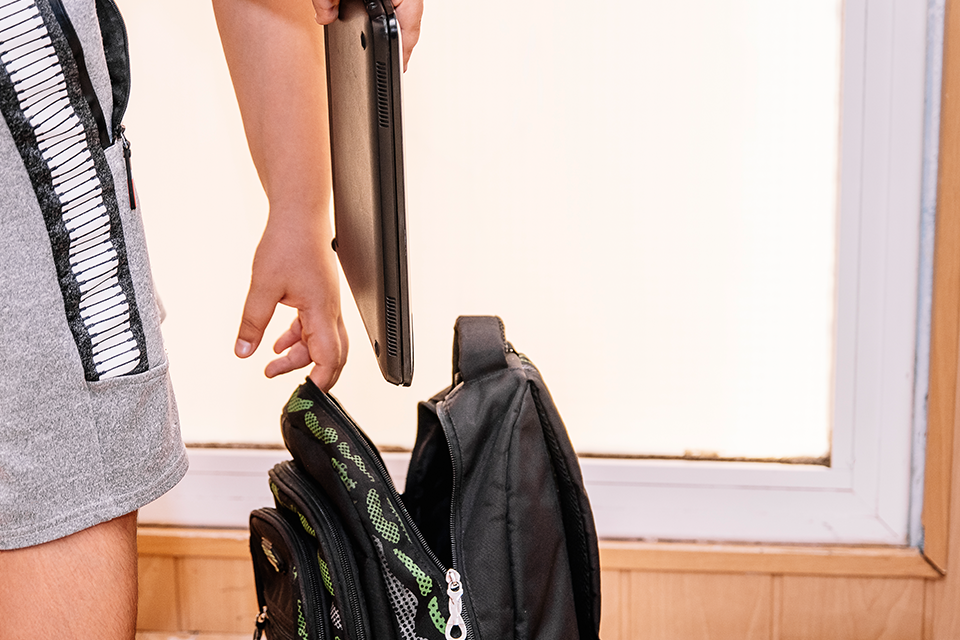
Laptops are an essential tool for both personal and professional use. They are designed to be portable and convenient, but carrying them around can be risky. Laptops are delicate electronic devices that can easily get damaged or stolen. Therefore, it is important to take proper measures to keep them safe while on the move.
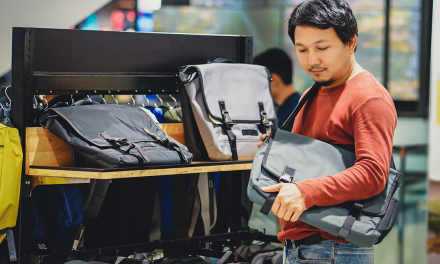
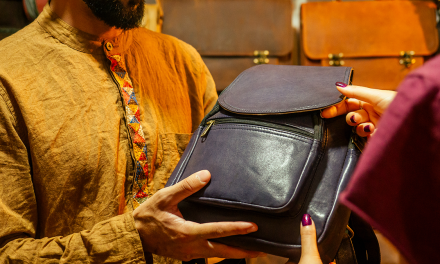
One of the most common ways to carry a laptop is in a bag. However, not all bags are suitable for laptops. A regular backpack or shoulder bag may not provide enough protection for a laptop. Therefore, it is important to choose a bag that is specifically designed for laptops. Laptop bags come in different sizes and styles, and they offer various levels of protection. Some bags have padded compartments that can absorb shock and prevent damage from accidental impacts. Other bags have locking mechanisms that can deter theft. Choosing the right bag can make a big difference in keeping a laptop safe.
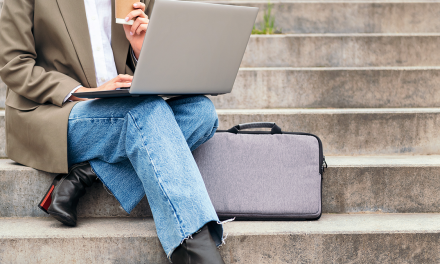
Another way to keep a laptop safe in a bag is to use additional accessories such as laptop sleeves or skins. These accessories can provide an extra layer of protection against scratches, spills, and other types of damage. Laptop sleeves are usually made of neoprene or other soft materials that can cushion the laptop from impacts. Laptop skins, on the other hand, are thin covers that can be attached to the laptop’s surface to protect it from scratches and minor damage. By using these accessories, users can ensure that their laptops are well-protected even inside a bag.
Choosing the Right Bag
When it comes to keeping your laptop safe in a bag, choosing the right bag is crucial. Here are some factors to consider when selecting a bag:
Padding and Protection
The first thing to look for in a laptop bag is padding. Make sure the bag has enough padding to protect your laptop from bumps and drops. A bag with a dedicated laptop compartment is also a good idea, as it provides extra protection and helps prevent your laptop from shifting around in the bag. Some bags even have reinforced corners and shock-absorbing features to provide additional protection.
Water Resistance
Another important factor to consider is water resistance. If you plan on carrying your laptop in all types of weather, look for a bag that is water-resistant or waterproof. This will help protect your laptop from rain, spills, and other moisture. Some bags even have a rain cover that can be pulled over the bag in case of heavy rain.
Size and Fit
Make sure the bag you choose is the right size for your laptop. Most bags will list the maximum laptop size they can accommodate, so be sure to check the specifications before making a purchase. It’s also important to make sure the bag fits you comfortably. Look for adjustable straps and a padded back panel to help distribute the weight of the bag evenly across your shoulders and back.
By considering these factors, you can choose a bag that will provide the necessary protection and comfort for your laptop.
Proper Packing Techniques
When it comes to packing a laptop in a bag, there are some proper techniques that can help keep it safe and secure. Here are some tips to ensure your laptop stays protected during transport.
Positioning Your Laptop
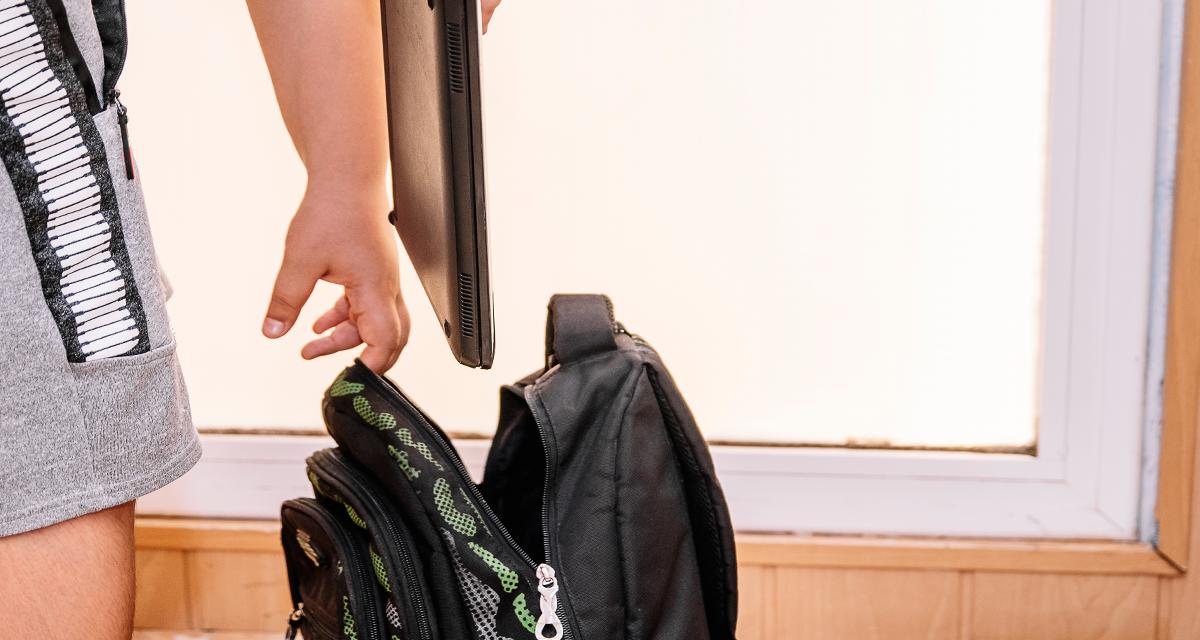
It’s important to position your laptop properly in your bag to prevent any damage. One way to do this is to place it in a designated, padded laptop sleeve. Make sure the sleeve ends above the bottom of the bag to protect it from ground impact when you put the bag down. Additionally, place the laptop at the top of your bag or in an easily accessible location to avoid having to dig through your bag to find it.
Using Separate Compartments
Another way to protect your laptop is to use a bag with separate compartments. This allows you to keep your laptop separate from other items in your bag, reducing the risk of damage from impact. When packing your laptop, make sure it fits snugly in the compartment and is not moving around too much. This can be achieved by using additional padding such as a soft cloth or bubble wrap to fill any gaps.
By using these proper packing techniques, you can ensure your laptop stays safe and secure while on the go. Remember to always unplug cords and close your laptop before packing it, and avoid overpacking your bag to prevent any unnecessary pressure on your laptop.
Using Protective Laptop Sleeves
Protective laptop sleeves are a popular choice for keeping laptops safe in bags. These sleeves are designed to fit snugly around the laptop, protecting it from scratches, dents, and other damage that can occur during transport.
One of the main benefits of using a laptop sleeve is that it provides an additional layer of protection against impact. Most sleeves are made from materials such as neoprene or EVA foam, which are shock-absorbent and can help prevent damage if the laptop is dropped or bumped.
Another advantage of using a laptop sleeve is that it can help keep the laptop clean. Many sleeves are made from materials that are resistant to dust and dirt, which can help keep the laptop looking new for longer. Some sleeves even have antimicrobial properties, which can help prevent the growth of bacteria and other harmful microorganisms.
When choosing a laptop sleeve, it is important to consider the size and shape of the laptop. Most sleeves are designed to fit specific laptop models, so it is important to choose a sleeve that is the right size for the laptop. It is also important to choose a sleeve that is well-made and durable, with strong stitching and high-quality materials.
Overall, using a protective laptop sleeve is a simple and effective way to keep laptops safe in bags. With the right sleeve, users can protect their laptops from damage and keep them looking new for longer.
Avoiding Potential Hazards
Keeping Away from Liquids
One of the most common hazards to laptops is liquid spills. Even a small amount of liquid can cause significant damage to a laptop’s internal components. To avoid this, it is recommended to keep all liquids, including water bottles, away from the laptop bag. If carrying a drink is necessary, make sure it is stored in a sealed container and placed in a separate compartment of the bag. In case of any spillage, immediately turn off the laptop, unplug it, and remove the battery. Dry the laptop and its components thoroughly with a clean cloth before using it.
Preventing Impact and Pressure
Laptops are vulnerable to physical damage caused by impact and pressure. To prevent this, it is recommended to use a padded laptop sleeve or bag. The sleeve or bag should be made of durable materials that can absorb shock and protect the laptop from bumps and knocks. When packing the laptop in the bag, make sure it is placed in the middle of the bag and surrounded by soft materials such as clothes or foam. Avoid stacking heavy items on top of the laptop bag or sitting on it, as this can cause pressure damage.
Another way to prevent impact damage is to pack the laptop in a hard-shell case. These cases are designed to protect the laptop from scratches, dents, and other types of damage. They are available in various sizes and shapes and can be easily fitted into a backpack or carry-on luggage.
In summary, to avoid potential hazards, it is recommended to keep liquids away from the laptop bag and use a padded sleeve or hard-shell case to prevent impact and pressure damage. By taking these precautions, one can ensure that their laptop remains safe and functional for a long time.
Handling and Transportation
Carrying the Bag Correctly
Carrying a bag correctly can go a long way in keeping your laptop safe during transportation. The bag should be carried in a way that minimizes the movement of the laptop inside. The weight of the bag should be evenly distributed across the shoulders to avoid straining one side of the body. A backpack with padded straps can help distribute the weight evenly and reduce the risk of shoulder strain.
Minimizing Movement Within the Bag
Minimizing movement within the bag is also important to keep the laptop safe while transporting it. The laptop should be placed in a padded compartment that fits snugly and securely. A laptop sleeve or skin can add an extra layer of protection against scratches and bumps. It’s important to avoid overpacking the bag as this can create pressure on the laptop and increase the risk of damage.
Additionally, cords and other external devices should be unplugged and kept separate from the laptop to avoid damage while in transit. When going through airport security, it’s important to remove the laptop from the bag and place it in a separate tray for screening. The TSA website has specific guidelines on how to prepare your laptop for screening, so it’s important to review these guidelines before traveling.
By following these tips, you can ensure that your laptop stays safe and secure while in transit.
Maintaining Your Bag
Regular Cleaning
To keep your laptop bag in good condition and extend its lifespan, it’s important to clean it regularly. Dirt and debris can accumulate on the surface of the bag, causing it to wear out faster. To clean your bag, use a soft-bristled brush or a cloth to remove any loose dirt or debris. For tougher stains, use a mild soap solution and a damp cloth. Be sure to rinse the bag thoroughly and allow it to air dry completely before using it again.
Checking for Wear and Tear
Over time, your laptop bag may start to show signs of wear and tear. It’s important to check your bag periodically for any signs of damage such as holes, frayed edges, or broken zippers. If you notice any damage, it’s best to repair it as soon as possible to prevent further damage. You can repair minor damage yourself using a needle and thread, or take it to a professional for more extensive repairs.
In addition to checking for damage, it’s also important to make sure that your bag is still providing adequate protection for your laptop. Check that the padding is still intact and that the laptop compartment is still secure. If you notice any issues, consider investing in a new bag or additional padding to ensure that your laptop stays safe and secure.
By regularly cleaning and checking your laptop bag for wear and tear, you can ensure that it stays in good condition and continues to provide the protection your laptop needs.
Laptop Security Measures
Using Locks and Cables
One of the most effective ways to secure a laptop is by using locks and cables. These security devices are designed to keep your laptop from being stolen. They come in different shapes and sizes, but they all work in the same way. You attach one end of the cable to your laptop and the other end to a fixed object, such as a desk or table. This prevents someone from walking away with your laptop.
There are different types of locks and cables available on the market. Some of them use a combination lock, while others use a key. It’s important to choose a lock and cable that is strong and durable. You should also make sure that it’s compatible with your laptop.
Data Protection
Keeping your laptop secure is not just about preventing it from being stolen. It’s also about protecting your data. There are several things you can do to keep your data safe:
- Use a strong password: Make sure your laptop is password-protected. Use a strong password that is difficult to guess. Avoid using common words or phrases.
- Encrypt your data: Encryption is a process that converts your data into a code that can only be read with a key. This makes it more difficult for someone to access your data if your laptop is stolen.
- Backup your data: Make sure you have a backup of your important files. This way, if your laptop is stolen, you won’t lose all your data.
By using locks and cables and protecting your data, you can keep your laptop safe and secure while on the go.
Environmental Considerations
When it comes to keeping a laptop safe in a bag, there are several environmental factors to consider. These factors can have an impact on the longevity and performance of the laptop. In this section, we will discuss two important environmental considerations: temperature control and humidity and ventilation.
Temperature Control
Laptops are designed to operate within a specific temperature range. When a laptop is exposed to extreme temperatures, it can cause damage to the internal components. For example, exposing a laptop to high temperatures can cause the battery to degrade faster and reduce its overall lifespan. On the other hand, exposing a laptop to low temperatures can cause the battery to drain faster and reduce its capacity.
To ensure that a laptop is protected from extreme temperatures, it is important to store it in a bag that provides adequate insulation. A bag with thick padding can help protect the laptop from sudden temperature changes. Additionally, it is recommended to avoid leaving the laptop in a car or other areas with extreme temperatures for an extended period of time.
Humidity and Ventilation
Humidity and ventilation are also important environmental considerations when it comes to keeping a laptop safe in a bag. High humidity levels can cause moisture to build up inside the laptop, which can lead to corrosion and other forms of damage. On the other hand, low humidity levels can cause the laptop to become dry and brittle, which can also lead to damage.
To protect a laptop from humidity, it is recommended to store it in a bag that is made from materials that are resistant to moisture. Additionally, it is important to ensure that the bag has adequate ventilation to allow air to circulate and prevent moisture buildup.
In summary, temperature control and humidity and ventilation are important environmental considerations when it comes to keeping a laptop safe in a bag. By taking these factors into account and selecting a bag that provides adequate protection, individuals can ensure that their laptop remains safe and protected while on the go.
Frequently Asked Questions
What precautions should I take when carrying a laptop in a backpack?
When carrying a laptop in a backpack, it is important to take certain precautions to prevent damage. First, make sure the backpack has a padded compartment specifically designed for laptops. This will provide extra protection and prevent the laptop from sliding around too much in the bag. Additionally, make sure the straps are securely fastened to prevent the bag from bouncing around.
How can I protect my laptop from physical damage while traveling?
To protect your laptop from physical damage while traveling, invest in a sturdy and secure laptop bag or case. This will prevent the laptop from getting bumped or jostled during transport. Additionally, make sure to unplug any cords and close the laptop fully before putting it in the bag.
What is the safest way to store a laptop in a bag to avoid scratches?
To avoid scratches on your laptop, it is best to store it in a protective case or sleeve. Many backpack-friendly laptop cases are designed to ruggedize any backpack with slim, re-enforced sleeves. Make sure to insert the laptop correctly and close it securely.
Are there any risks to leaving a laptop in a bag for an extended period?
Leaving a laptop in a bag for an extended period can lead to overheating and potential damage to the battery. It is best to remove the laptop from the bag when not in use and store it in a cool, dry place.
Can a laptop be damaged from being in a backpack, and how can this be prevented?
Yes, a laptop can be damaged from being in a backpack if it is not properly protected. To prevent damage, make sure to use a backpack with good padding and/or a backpack with an extra compartment specifically for laptops. Additionally, make sure the straps are securely fastened and that the laptop does not slide around too much in the bag.
What alternatives exist for carrying a laptop if I don’t have a laptop bag?
If you don’t have a laptop bag, there are still several alternatives for carrying your laptop. You can use a padded sleeve or case to protect your laptop and then place it in a regular backpack or messenger bag. Alternatively, you can use a rolling laptop bag or carry-on luggage with a dedicated laptop compartment.